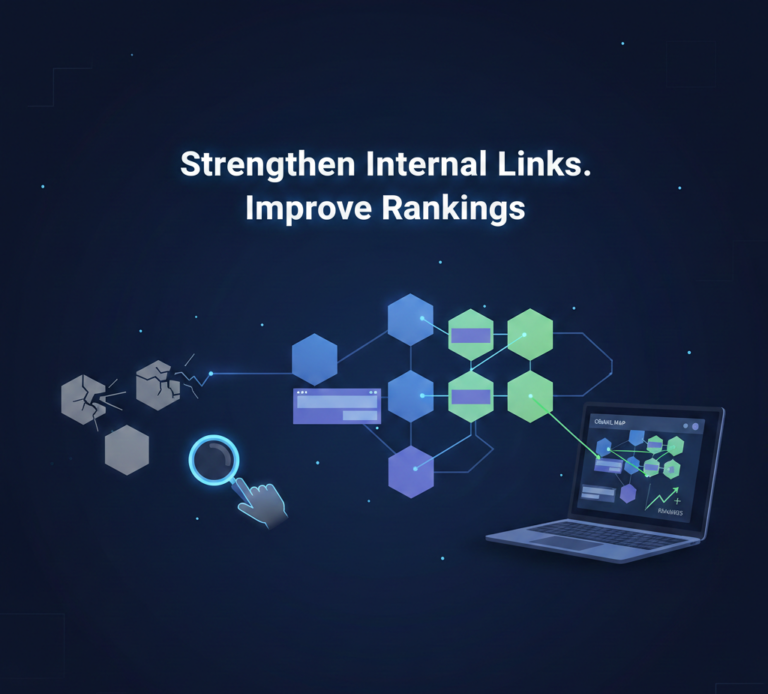
In the world of search engine optimization, internal linking plays a critical role in helping search engines discover, understand, and rank your content. Yet many websites struggle with a hidden problem that silently damages their performance: orphan pages.
If you want to improve crawlability, increase rankings, and strengthen your site structure, understanding orphan pages SEO is essential. In this comprehensive guide, you’ll learn what orphan pages are, why they hurt your SEO, how to find them, and how to fix them effectively.
What Are Orphan Pages in SEO?
An orphan page is a webpage that exists on your website but has no internal links pointing to it. In simple terms, the page is “isolated” from the rest of your website structure.
Although the page may technically exist in your CMS and even be indexed by search engines, it is not connected through your internal linking system. This makes it difficult for both users and search engines to discover naturally.
Example of an Orphan Page:
- A blog post published months ago but never linked from category pages.
- A product page created for testing but never added to navigation.
- A landing page used for ads that isn’t linked anywhere else.
Without internal links, these pages become invisible within your site architecture.
Why Orphan Pages Hurt Your SEO
Orphan pages SEO is important because these disconnected pages can seriously impact your website performance.
1. Reduced Crawlability
Search engines rely heavily on internal links to discover new content. While XML sitemaps help, internal links remain a primary discovery method.
If a page has no internal links:
- Search engines may crawl it less frequently.
- It may not receive enough crawl budget.
- Updates may not be detected quickly.
2. Weak Link Equity Distribution
Internal links pass authority (often called link equity) across your website.
When a page has no internal links:
- It receives no internal authority.
- It cannot benefit from strong pages on your site.
- Its ranking potential drops significantly.
3. Poor User Experience
If users cannot find a page through navigation or contextual links:
- Traffic decreases.
- Engagement drops.
- Conversion opportunities are lost.
Even valuable content becomes useless if visitors cannot reach it.
4. Diluted Website Structure
A well-structured website follows a clear hierarchy:
- Homepage
- Category pages
- Subcategories
- Individual posts or products
Orphan pages break this structure and create gaps in your content ecosystem.
How Orphan Pages Affect Rankings
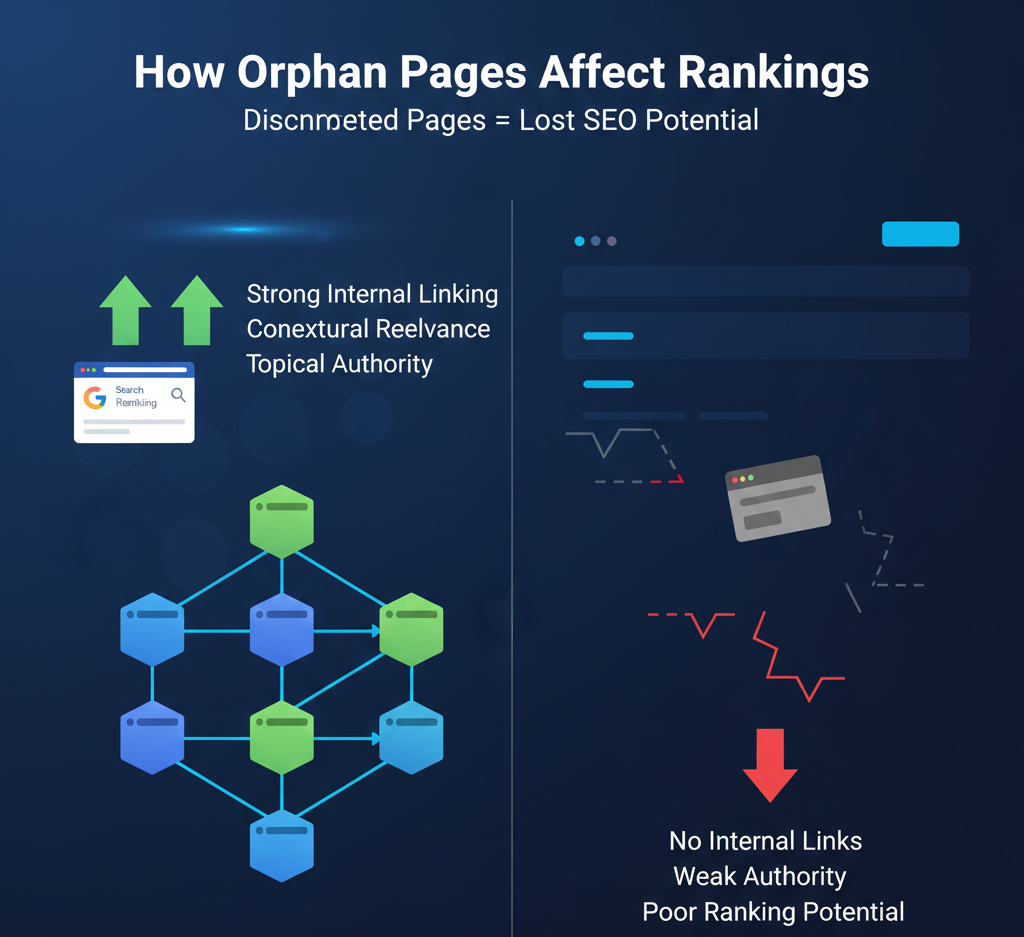
Search engines like Google prioritize pages that:
- Are well connected internally
- Provide contextual relevance
- Demonstrate authority within topic clusters
When pages are isolated:
- They lack semantic relationships.
- They don’t contribute to topical authority.
- They struggle to rank even for low-competition keywords.
If you’re investing in content marketing but ignoring orphan pages SEO, you’re leaving rankings on the table.
Common Causes of Orphan Pages
Understanding the causes helps prevent the issue in the future.
1. Website Redesigns
During migrations or redesigns, internal links may break, leaving some pages disconnected.
2. CMS Publishing Errors
Pages may be published but not assigned to categories or navigation menus.
3. Deleted Category Pages
If a category page is removed without redistributing links, child pages can become orphaned.
4. Landing Pages for Paid Ads
PPC landing pages are often excluded from navigation, unintentionally becoming orphan pages.
5. Poor Content Planning
Without a proper internal linking strategy, new blog posts may never get linked from older content.
How to Find Orphan Pages
Finding orphan pages requires comparing crawl data with your full list of URLs.
Here are the most effective methods:
1. Use Your XML Sitemap
Export all URLs from your XML sitemap. These represent pages you want indexed.
Then compare them with:
- Crawl data from SEO tools
- Internal link reports
Pages that appear in the sitemap but not in the crawl results are likely orphan pages.
2. Use Google Search Console
With Google Search Console, you can:
- Identify indexed URLs
- Compare indexed pages with crawled pages
- Spot URLs receiving no internal traffic
This helps detect hidden content.
3. Crawl Your Website with SEO Tools
Professional tools like:
- Screaming Frog SEO Spider
- Ahrefs
- Semrush
allow you to:
- Analyze internal link structures
- Identify pages with zero inbound links
- Generate orphan page reports
These tools are especially helpful for large websites.
How to Fix Orphan Pages (Step-by-Step)
Once you identify orphan pages, follow this strategic process.
Step 1: Evaluate the Page Value
Ask:
- Is the content valuable?
- Does it target relevant keywords?
- Does it serve a business purpose?
If the answer is no, consider deleting or redirecting it.
Step 2: Add Contextual Internal Links
The best fix is adding natural internal links from:
- Related blog posts
- Category pages
- Product pages
- Resource hubs
Make sure the anchor text:
- Is relevant
- Includes keywords naturally
- Fits within the content
Step 3: Add to Navigation or Category Pages
If the page is important:
- Add it to menu navigation.
- Link it from category listings.
- Include it in pillar pages.
This strengthens its structural relevance.
Step 4: Update Your Content Strategy
Create topic clusters:
- One pillar page
- Several supporting articles
- Strong internal linking between them
This eliminates future orphan page issues.
Best Practices for Orphan Pages SEO
To prevent orphan pages permanently, follow these proven strategies.
1. Implement a Strong Internal Linking Framework
Every new page should:
- Link to at least 2–3 existing pages
- Receive links from older relevant content
Make internal linking part of your publishing checklist.
2. Maintain Clear Site Architecture
Use a structured hierarchy:
- Homepage → Category → Subcategory → Content
Avoid publishing standalone pages without placement.
3. Regularly Audit Your Website
Perform quarterly SEO audits to:
- Identify new orphan pages
- Fix broken links
- Improve crawl depth
Consistency is key in orphan pages SEO.
4. Use Breadcrumb Navigation
Breadcrumbs help:
- Strengthen internal linking
- Improve crawl paths
- Enhance user navigation
They reduce the risk of isolated pages.
When Should You Delete an Orphan Page?
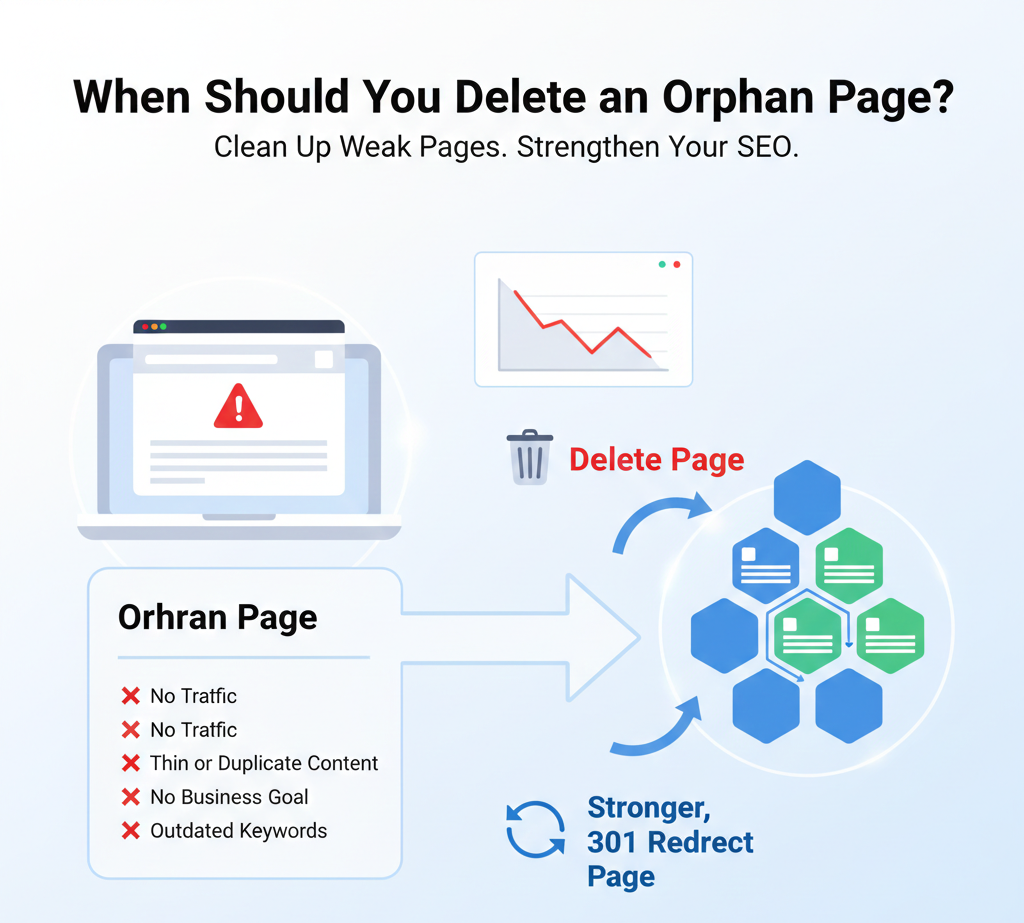
Not every orphan page needs saving.
Delete or redirect if:
- It has no traffic.
- It has thin or duplicate content.
- It serves no business goal.
- It targets outdated keywords.
Use 301 redirects to pass any potential value to relevant pages.
Orphan Pages vs. Dead-End Pages
These are different issues:
| Orphan Pages | Dead-End Pages |
|---|---|
| No inbound internal links | No outbound internal links |
| Hard to discover | Stops user journey |
| Weak authority | Poor navigation flow |
Both require attention, but orphan pages are often more damaging for crawl efficiency.
Advanced Orphan Pages SEO Strategy
For competitive industries, take a more advanced approach:
Build Topic Clusters
Group content around themes:
- Create a pillar page.
- Link supporting content to it.
- Link back from pillar to supporting pages.
This builds semantic strength and authority.
Use Internal Link Depth Analysis
Track how many clicks it takes to reach a page.
Ideally:
- Important pages should be reachable within 3 clicks from homepage.
If not, improve internal linking.
Monitor Crawl Budget
Large websites must optimize crawl efficiency.
Reduce:
- Duplicate content
- Low-value pages
- Thin orphan URLs
This helps search engines focus on important content.
The Business Impact of Fixing Orphan Pages
When you optimize orphan pages SEO, you can expect:
- Improved rankings
- Better crawl efficiency
- Higher organic traffic
- Increased engagement
- Stronger site authority
Many websites experience noticeable ranking improvements simply by strengthening internal links.
Final Thoughts
Orphan pages may seem like a minor technical issue, but they can significantly impact your SEO performance. A strong internal linking structure ensures that every valuable page on your website contributes to your overall authority and visibility.
If you want long-term organic growth, make orphan pages SEO a regular part of your optimization strategy. Audit your website, fix disconnected pages, strengthen your internal links, and build a structured content ecosystem.
The difference between a website that ranks and one that struggles often comes down to how well its pages are connected.