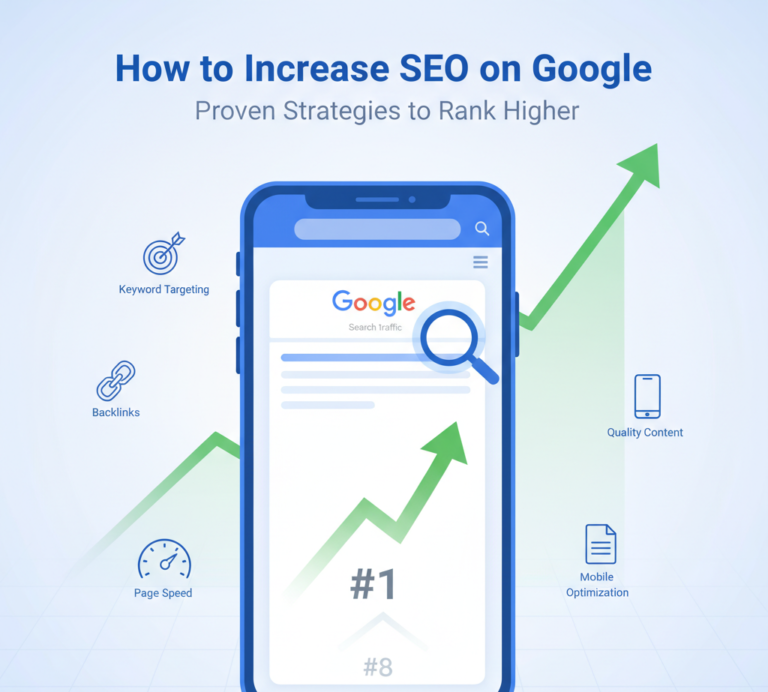
If you want more traffic, leads, and sales from your website, you need to understand how to increase SEO on Google. Ranking higher in Google search results is not about tricks or shortcuts. It’s about strategy, consistency, and providing real value.
In this complete guide, you’ll learn:
- What SEO really means
- How Google ranks websites
- On-page SEO strategies
- Technical SEO improvements
- How to build authority
- Common mistakes to avoid
- A practical action plan you can follow
Let’s break everything down in a simple, clear, and practical way.
What Does It Mean to Increase SEO on Google?
Increasing SEO on Google means improving your website so it ranks higher in search engine results pages. When your pages rank higher:
- More people see your website
- You get more organic traffic
- You attract targeted visitors
- Your credibility increases
SEO is not just about keywords. It includes:
- Content quality
- Website structure
- Page speed
- Backlinks
- User experience
- Technical performance
To increase SEO on Google, you must improve all of these areas together.
How Google Decides Rankings
Google uses hundreds of ranking factors, but they mainly focus on:
- Relevance – Does your content match the search query?
- Quality – Is your content useful and well-written?
- Authority – Do other trusted websites link to you?
- User Experience – Is your website fast and easy to use?
If your website performs well in these areas, your rankings improve over time.
Step 1: Start With Smart Keyword Research
If you want to increase SEO on Google, everything starts with keyword research.
Why Keywords Matter
Keywords tell Google what your page is about. They also tell you what your audience is searching for.
For example:
- how to increase SEO on Google
- improve website ranking
- SEO tips for beginners
- increase organic traffic
Choosing the right keywords helps you attract the right audience.
How to Choose the Right Keywords
Focus on:
- Relevant keywords related to your niche
- Long-tail keywords (more specific phrases)
- Moderate competition keywords
- Clear search intent
Instead of targeting only:
“SEO”
Target:
“how to increase SEO on Google for small business”
Long-tail keywords are easier to rank for and bring more targeted visitors.
Step 2: Create High-Quality Content
Content is the foundation of SEO.
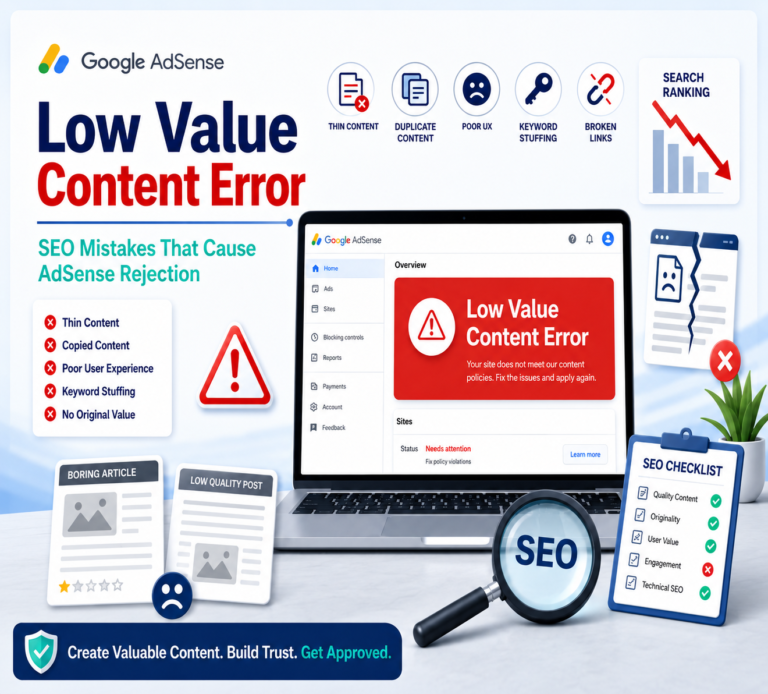
If your content is shallow, copied, or unhelpful, Google will not rank it well.
What Makes Content High Quality?
High-quality content:
- Answers user questions clearly
- Is well structured with headings
- Provides real value
- Is easy to read
- Includes examples
- Is updated regularly
When users spend more time on your page, it signals quality to Google.
Write for Humans First
Avoid:
- Keyword stuffing
- Robotic sentences
- Over-optimization
Instead:
- Use natural language
- Write clearly
- Break text into short paragraphs
- Use bullet points and subheadings
Readable content improves both user experience and SEO.
Step 3: Optimize On-Page SEO
On-page SEO means optimizing elements inside your website.
Optimize Your Title Tag
Your title should:
- Include your main keyword
- Be under 60 characters
- Be compelling and clickable
Example:
How to Increase SEO on Google: 15 Proven Strategies
Write a Strong Meta Description
Your meta description should:
- Include your main keyword
- Encourage users to click
- Be clear and persuasive
Although it does not directly affect rankings, it improves click-through rate.
Use Proper Heading Structure
Use headings like:
H1 – Main title
H2 – Main sections
H3 – Subsections
This helps Google understand your content structure.
Optimize Images
To increase SEO on Google:
- Use compressed images
- Add descriptive file names
- Write proper alt text
This improves page speed and accessibility.
Step 4: Improve Website Speed
Page speed is a major ranking factor.
If your site loads slowly:
- Users leave quickly
- Bounce rate increases
- Rankings drop
How to Improve Speed
- Compress images
- Use fast hosting
- Minimize unnecessary plugins
- Enable caching
- Reduce large scripts
A fast website improves both SEO and user satisfaction.
Step 5: Make Your Website Mobile Friendly
Most users search on mobile devices.
If your site is not mobile-friendly:
- Google may rank it lower
- Users may leave quickly
Use responsive design so your website adapts to all screen sizes.
Step 6: Build High-Quality Backlinks
Backlinks are links from other websites pointing to your site.
They signal authority and trust.
The more high-quality backlinks you have, the stronger your SEO.
How to Build Backlinks
- Write guest posts
- Create valuable guides
- Publish research or case studies
- Build relationships with bloggers
- Create shareable content
Avoid buying spammy links. Low-quality backlinks can hurt your rankings.
Step 7: Improve User Experience
Google pays attention to user behavior.
If visitors:
- Click your page
- Stay longer
- Visit multiple pages
Your rankings can improve.
Improve Navigation
Make your website:
- Easy to navigate
- Clear and organized
- Simple to understand
Use internal links to connect related pages.
Reduce Bounce Rate
To reduce bounce rate:
- Match content with search intent
- Write engaging introductions
- Use clear formatting
- Add visuals
User engagement matters more than ever.
Step 8: Focus on Technical SEO
Technical SEO ensures Google can crawl and index your website properly.
Use HTTPS
Secure websites rank better. Install an SSL certificate.
Fix Broken Links
Broken links create a bad experience and reduce trust.
Create an XML Sitemap
A sitemap helps search engines understand your website structure.
Optimize URL Structure
Keep URLs:
- Short
- Clean
- Descriptive
Example:
yourwebsite.com/increase-seo-google
Instead of:
yourwebsite.com/page?id=1234
Step 9: Update Content Regularly
Old content can lose rankings over time.
To increase SEO on Google:
- Update statistics
- Improve outdated information
- Add new sections
- Improve readability
Fresh content signals relevance.
Step 10: Monitor and Analyze Performance
SEO is not a one-time task.
Track:
- Organic traffic
- Keyword rankings
- Bounce rate
- Click-through rate
Use data to improve weak pages and strengthen top performers.
Common Mistakes That Hurt SEO
Avoid these mistakes:
- Keyword stuffing
- Thin content
- Duplicate content
- Ignoring mobile users
- Slow loading pages
- Buying low-quality backlinks
SEO success requires patience and smart strategy.
How Long Does It Take to Increase SEO on Google?
SEO takes time.
You may start seeing improvements in:
- 3 to 6 months for moderate competition
- 6 to 12 months for competitive niches
Consistency is key.
Practical SEO Action Plan
Here is a simple action plan:
- Research long-tail keywords.
- Create one high-quality article per week.
- Optimize titles and headings properly.
- Improve page speed.
- Build one or two quality backlinks weekly.
- Update older content monthly.
- Monitor analytics and adjust strategy.
Follow this consistently, and your rankings will grow steadily.
Final Thoughts
If you want to know how to increase SEO on Google, the answer is simple:
Focus on value, quality, and consistency.
Do not chase shortcuts.
Instead:
- Understand your audience
- Create helpful content
- Optimize properly
- Improve user experience
- Build authority over time
SEO is a long-term investment. When done correctly, it brings sustainable traffic and business growth.