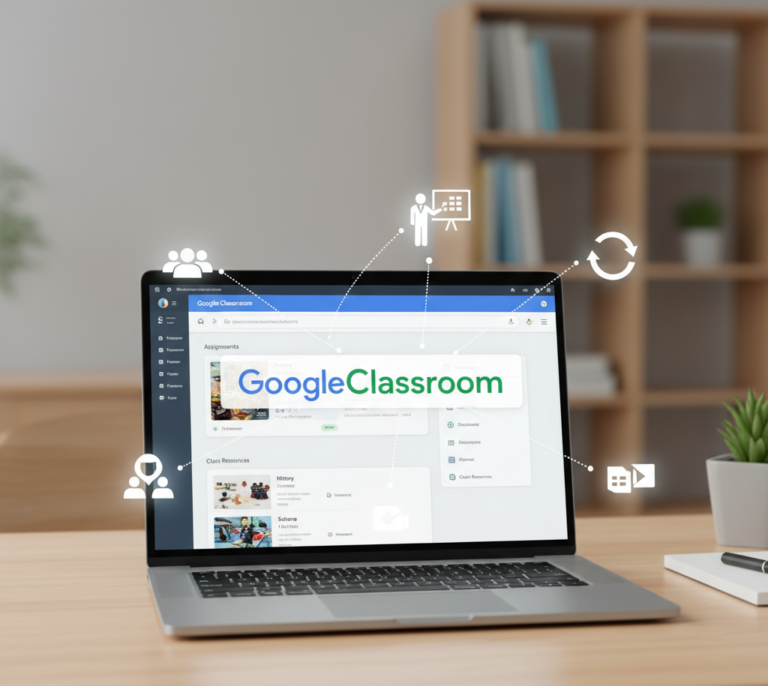
In today’s digital learning environment, online tools are essential for smooth communication and collaboration between teachers and students. GoogleClassroom has emerged as one of the most popular platforms, simplifying the management of assignments, grading, and class communication.
Whether you are a teacher, student, or school administrator, understanding how to use GoogleClassroom effectively can enhance productivity, streamline workflow, and improve the overall learning experience.
What is GoogleClassroom?
GoogleClassroom is a free web-based learning management system developed by Google for schools, universities, and organizations. It integrates with Google Workspace tools like Google Docs, Sheets, Slides, and Drive to provide a seamless digital learning environment.
Key features of GoogleClassroom include:
- Creating and managing classes online.
- Assigning and grading student work efficiently.
- Real-time communication between teachers and students.
- Organizing course materials and resources digitally.
With its user-friendly interface, GoogleClassroom has become a go-to platform for both in-person and remote education.
How Does GoogleClassroom Work?
GoogleClassroom works by connecting teachers and students through a virtual classroom environment. Here’s how it functions:
1. Creating Classes
Teachers can set up classes, invite students using a unique code, and add co-teachers if needed. Each class has its own workspace for assignments, announcements, and resources.
2. Assignments and Grading
Teachers can create assignments, attach resources, and set deadlines. Students can submit their work online, and teachers can grade it, provide feedback, and return it directly within the platform.
3. Communication
GoogleClassroom allows teachers to post announcements, share resources, and communicate with students through comments or private messages.
4. Integration with Google Tools
It seamlessly integrates with Google Docs, Sheets, Slides, Forms, and Drive, making file sharing and collaboration easy.
Benefits of Using GoogleClassroom
Using GoogleClassroom provides numerous advantages for both educators and learners:
- Time-Saving: Streamlines assignment distribution and grading.
- Organized Learning: Keeps all course materials, assignments, and announcements in one place.
- Enhanced Collaboration: Students can collaborate on group projects using Google Workspace tools.
- Accessible Anywhere: Works on any device with an internet connection.
- Paperless Environment: Reduces the need for physical paperwork.
- Real-Time Feedback: Teachers can provide instant feedback on assignments.
Tips for Using GoogleClassroom Effectively
To make the most out of GoogleClassroom, consider these tips:
- Organize Class Materials: Use topics and folders to keep resources structured.
- Set Clear Deadlines: Communicate deadlines clearly to avoid confusion.
- Use Announcements: Keep students updated with important messages.
- Leverage Google Forms: Create quizzes, surveys, and assessments easily.
- Encourage Collaboration: Use shared documents and group projects to enhance teamwork.
Common Use Cases of GoogleClassroom
GoogleClassroom is versatile and can be used in various educational contexts:
- Schools: Managing daily assignments, quizzes, and announcements.
- Universities: Organizing lectures, course materials, and grading systems.
- Corporate Training: Delivering online training and workshops efficiently.
- Remote Learning: Facilitating distance education for students anywhere in the world.
- Homeschooling: Allowing parents and students to manage learning at home.
Frequently Asked Questions (FAQ)
1. Is GoogleClassroom free to use?
Yes, GoogleClassroom is free for schools, teachers, and students with a Google account.
2. Can GoogleClassroom work offline?
Students can view and edit documents offline using Google Docs, Sheets, and Slides, which sync when connected to the internet.
3. Does GoogleClassroom support mobile devices?
Yes, GoogleClassroom has apps for both Android and iOS devices for easy access.
4. Can multiple teachers manage one class?
Yes, co-teachers can be added to manage assignments and communication collaboratively.
5. Is GoogleClassroom secure for student data?
GoogleClassroom complies with privacy standards and protects student data, making it safe for educational use.
Conclusion
GoogleClassroom is a powerful tool that enhances digital learning by making teaching and learning more organized, interactive, and efficient. Its integration with Google Workspace, user-friendly interface, and versatile features make it ideal for schools, universities, and corporate training programs.
By understanding its features and following best practices, teachers and students can maximize productivity, improve collaboration, and strengthen the overall learning experience.