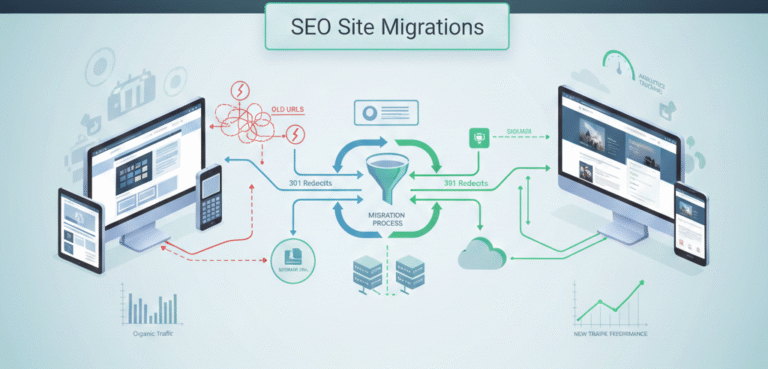
In today’s digital world, websites evolve frequently—whether through redesigns, platform changes, domain switches, or structural updates. While these changes are necessary for growth, they can impact your search engine rankings if not handled correctly. SEO site migrations are critical for maintaining visibility, traffic, and user experience during these transitions.
This guide will explain what SEO site migrations are, why they matter, the types of migrations, best practices, and how to track their success.
What is an SEO Site Migration?
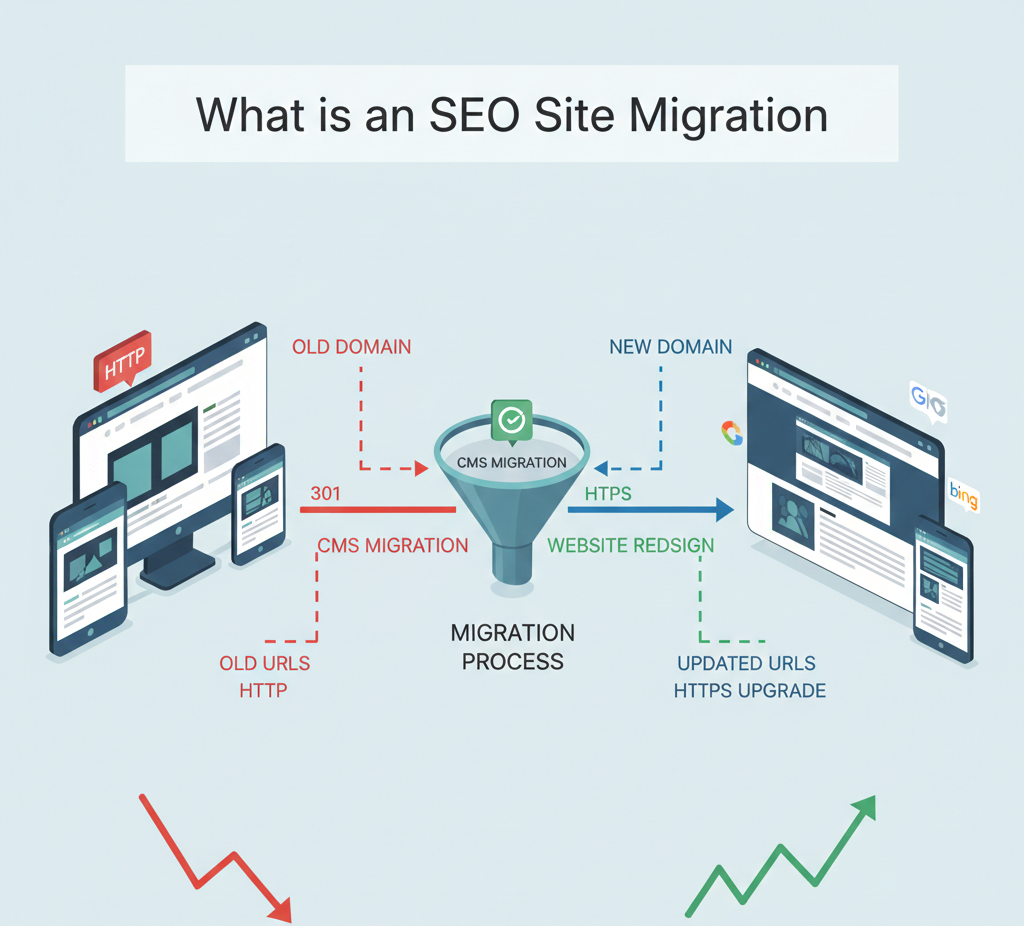
An SEO site migration is the process of moving a website from one configuration, domain, or structure to another while preserving search engine rankings and organic traffic. Migrations can involve:
- Domain name changes
- Website redesigns or structural overhauls
- CMS (Content Management System) migrations
- URL structure modifications
- Protocol changes (HTTP to HTTPS)
The main goal of SEO site migrations is to maintain or improve search engine performance while updating the website’s functionality or design.
Why SEO Site Migrations Are Important
Without proper planning, site migrations can result in significant drops in traffic and revenue. Search engines need continuity to understand your website’s relevance and authority. A well-managed SEO site migration ensures:
- Search engines index new URLs correctly
- 301 redirects maintain link equity
- User experience remains seamless
- Organic traffic and rankings are preserved
According to studies, improperly executed migrations can cause drops of 20–40% in organic traffic, making careful planning essential.
Types of SEO Site Migrations
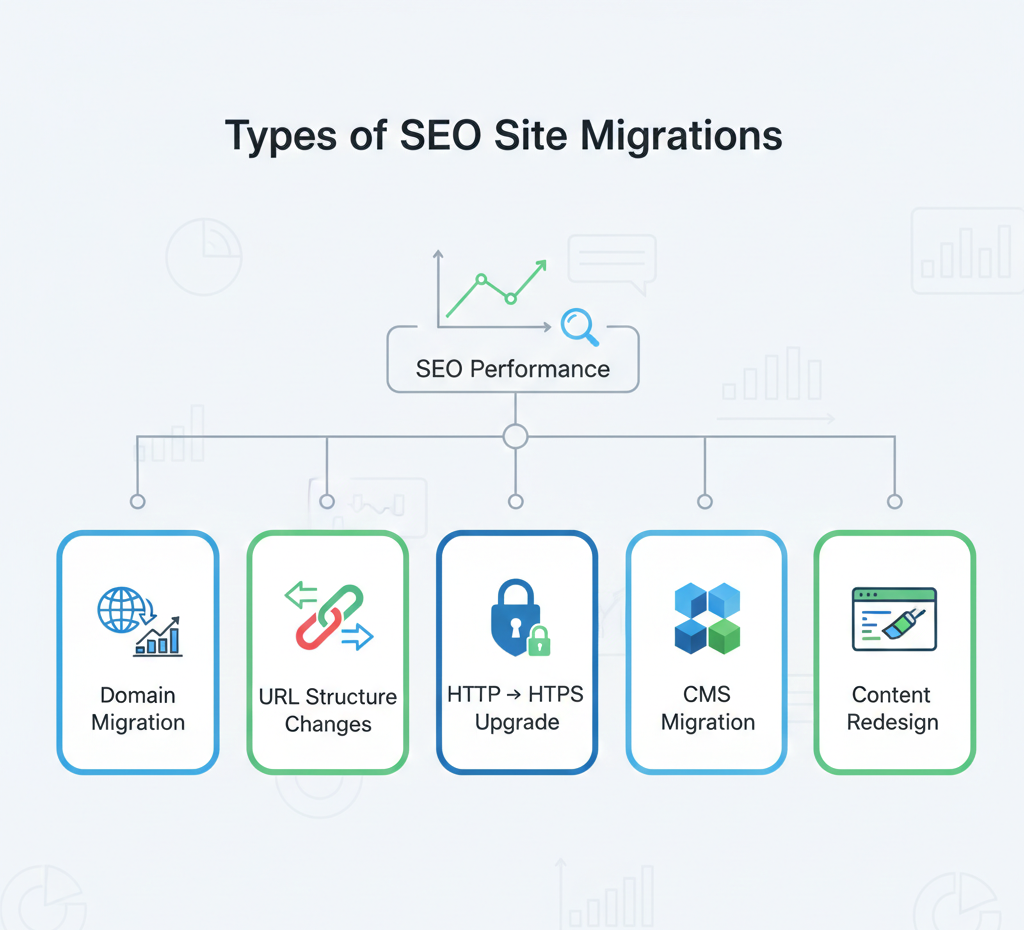
Understanding the type of migration helps in planning and implementation. Common types include:
1. Domain Migrations
Changing your website’s domain, e.g., from example-old.com to example-new.com. Key considerations:
- Implement 301 redirects for every page
- Update internal and external links
- Notify Google via Search Console
2. URL Structure Changes
Updating URL formats for SEO, e.g., example.com/page1 → example.com/category/page1. Key steps:
- Maintain logical and readable URL structure
- Redirect old URLs to new ones
- Update sitemaps and internal links
3. Protocol Migration (HTTP → HTTPS)
Securing your site with HTTPS is critical for SEO and user trust. Key steps:
- Install SSL certificates
- Redirect HTTP pages to HTTPS
- Update canonical tags, robots.txt, and sitemaps
4. CMS Migration
Migrating to a new CMS (like WordPress, Shopify, or Magento) requires:
- Mapping old URLs to new CMS pages
- Preserving meta data, titles, and headings
- Testing site speed and mobile responsiveness
5. Content Restructuring or Redesign
A website redesign or content overhaul can affect rankings. Key considerations:
- Retain high-performing content
- Implement 301 redirects for changed URLs
- Maintain internal linking hierarchy
SEO Site Migration Checklist

A successful migration requires meticulous planning. Here’s a checklist to follow:
Pre-Migration
- Benchmark Current Performance
- Track traffic, rankings, and backlinks
- Identify top-performing pages
- Crawl Existing Site
- Use tools like Screaming Frog or Sitebulb
- Export URLs, meta data, and internal links
- Plan Redirects
- Map old URLs to new ones
- Ensure all 301 redirects are implemented
- Backup the Website
- Save all files, databases, and configurations
- Update Analytics & Tracking
- Ensure Google Analytics, Search Console, and tags are ready
During Migration
- Implement Redirects Correctly
- Avoid redirect chains
- Use server-side 301 redirects
- Maintain Internal Linking
- Ensure all internal links point to updated URLs
- Check Robots.txt and Canonicals
- Avoid blocking important pages
- Update canonical tags for new URLs
- Monitor Site Speed and Performance
- Avoid slow loading pages
- Optimize images and code
Post-Migration
- Submit Updated Sitemap to Google Search Console
- Include new URLs
- Monitor indexing status
- Monitor Traffic and Rankings Closely
- Expect minor fluctuations initially
- Track top landing pages
- Audit Backlinks
- Reach out to external websites to update links if necessary
- Fix Issues Immediately
- Resolve 404 errors
- Correct broken links and missing content
Common SEO Mistakes During Site Migrations
Even experienced teams can make errors during migrations. Avoid these pitfalls:
- Skipping 301 redirects or using 302 redirects
- Failing to update internal links
- Blocking search engines with robots.txt or noindex tags
- Ignoring mobile optimization
- Not monitoring rankings and traffic post-migration
Tools for Managing SEO Site Migrations
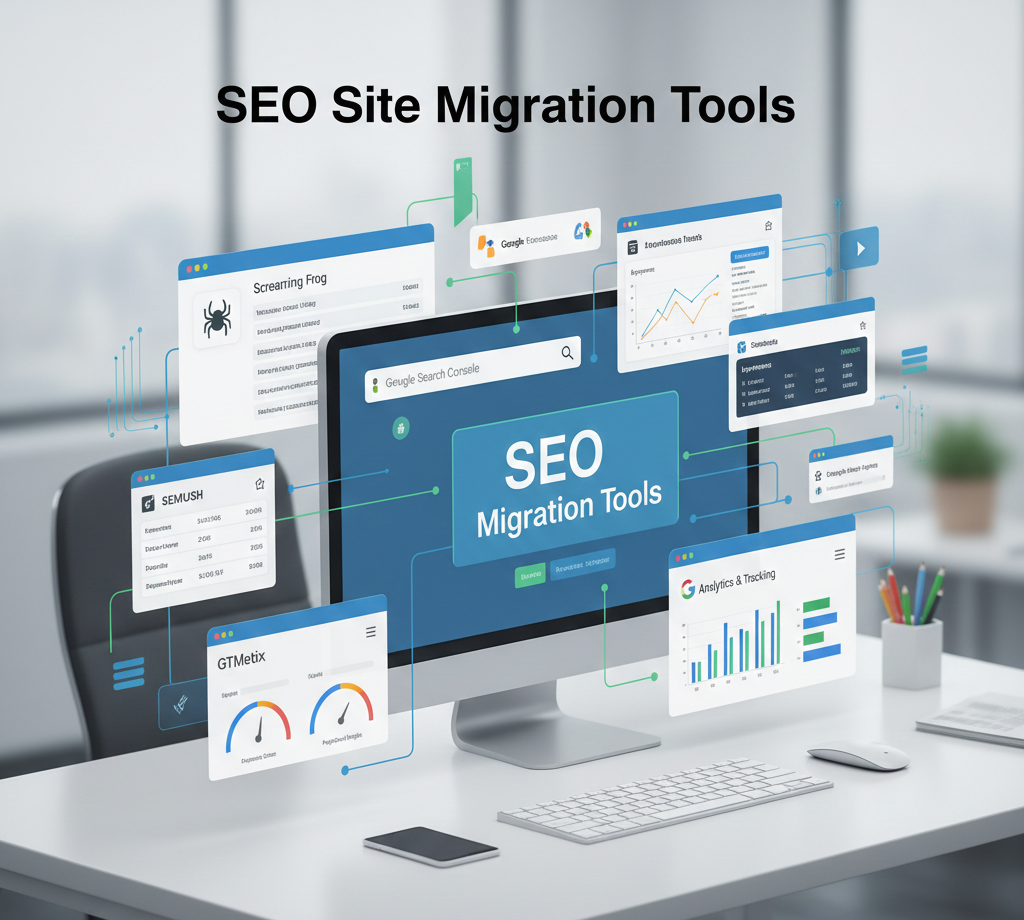
Several tools can simplify migration tracking:
- Screaming Frog – Crawl URLs and detect broken links
- Google Search Console – Monitor indexing and errors
- Ahrefs / SEMrush – Track backlinks and keyword performance
- GTMetrix / PageSpeed Insights – Monitor page speed
- Google Analytics – Analyze traffic and behavior patterns
Measuring Success After a Site Migration
Post-migration monitoring is critical. Key metrics to track:
- Organic traffic and top landing pages
- Keyword rankings for core terms
- Crawl errors and 404 pages
- Conversion rates and user engagement
- Backlink integrity and link equity
A successful migration should retain or improve search visibility, traffic, and conversions.
Best Practices for SEO Site Migrations
- Plan in Advance – Migration should be carefully strategized, not rushed.
- Maintain Consistency – Preserve URLs, content quality, and internal linking.
- Use 301 Redirects Correctly – Ensure link equity passes to new URLs.
- Monitor Continuously – Track performance before, during, and after migration.
- Communicate Changes – Inform stakeholders and update external links if possible.
Conclusion
An SEO site migration is a complex but necessary process for evolving websites. With careful planning, proper redirects, monitoring, and SEO best practices, businesses can migrate successfully without losing traffic or rankings. From domain changes to CMS migrations and URL restructuring, every step requires strategic planning and expert execution.
By following the strategies outlined in this guide, businesses can ensure that their website evolves while maintaining search engine visibility, traffic, and conversions.