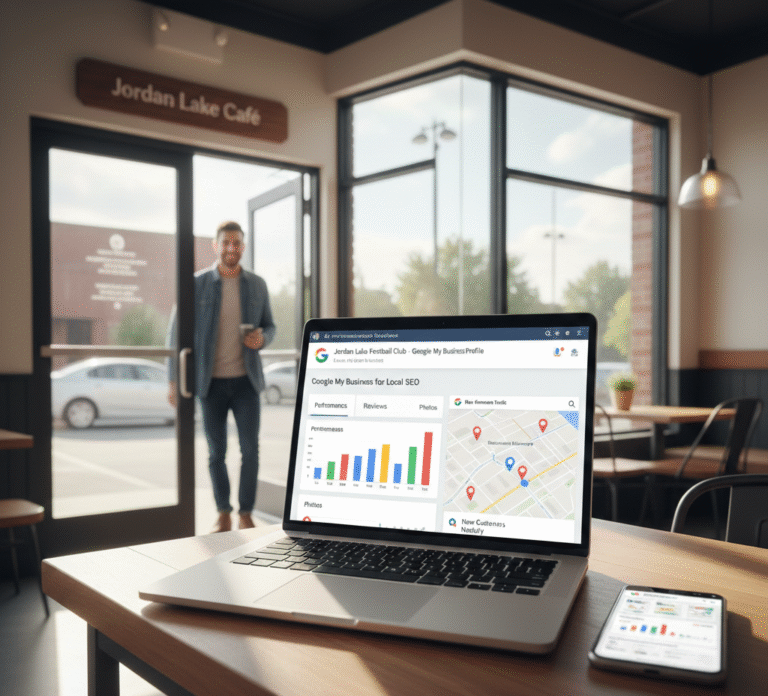
In today’s digital landscape, having a strong online presence is crucial for businesses, especially those targeting local customers. Google My Business (GMB) for Local SEO has emerged as one of the most powerful tools to improve visibility, attract new clients, and grow your business in your target area. By properly leveraging GMB, businesses can dominate local search results, appear in Google Maps, and build credibility among potential customers.
What is Google My Business?
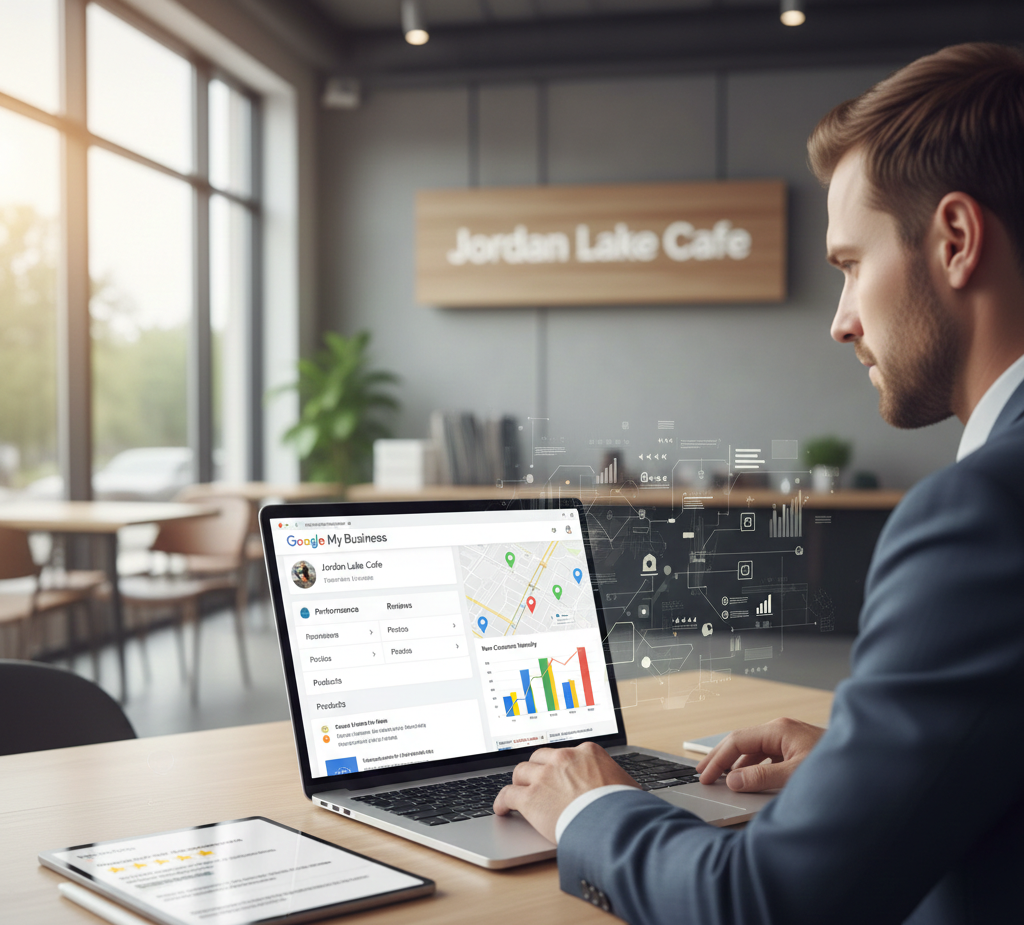
Google My Business is a free tool offered by Google that allows businesses to create and manage their online presence across Google Search and Google Maps.
Key Features:
- Display business information such as address, phone number, and operating hours
- Share photos, posts, and updates
- Collect and respond to customer reviews
- Analyze insights on how customers find and interact with your business
For local businesses, GMB acts as a digital storefront that helps users quickly discover essential information, making it a cornerstone of local SEO strategies.
Why Google My Business is Essential for Local SEO
Local SEO focuses on improving a business’s visibility in searches specific to a geographic area. Optimizing Google My Business for local SEO provides several advantages:
1. Boost Local Visibility
A complete and optimized GMB profile increases the likelihood of appearing in local searches and Google Maps, helping potential customers find your business when they need it most.
2. Improve Click-Through Rates
Businesses with high-quality GMB profiles attract more clicks from searchers, leading to increased website traffic and inquiries.
3. Build Credibility and Trust
A verified GMB profile with positive customer reviews enhances your brand’s credibility, showing users that your business is reliable and professional.
4. Gain Valuable Insights
GMB analytics provide detailed insights about how customers discover your business, what actions they take, and which keywords drive the most traffic. This data can guide your marketing strategy and content planning.
5. Drive Conversions
Local customers are often ready to make a purchase or contact your business immediately. By appearing in local search results, GMB increases the chances of generating calls, bookings, or visits.
How to Set Up Google My Business for Local SEO
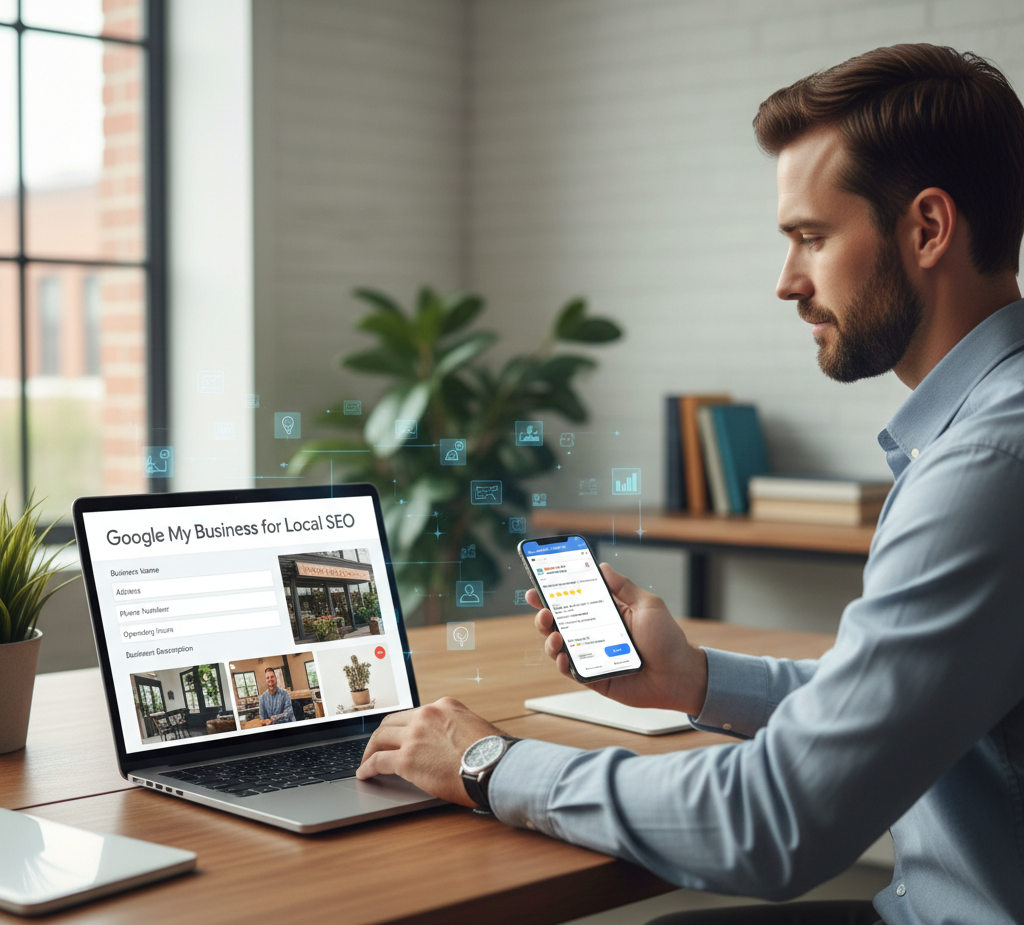
Setting up GMB correctly is critical to achieving maximum SEO benefits. Follow these steps to create and optimize your profile:
Step 1: Claim or Create Your Business Profile
- Go to Google My Business and search for your business.
- If it exists, claim ownership; if not, create a new listing.
- Verify your business through email, phone, or postcard.
Step 2: Complete Your Business Information
Provide accurate and detailed information including:
- Business Name
- Address (consistent with other online listings)
- Phone Number
- Website URL
- Business Category
- Operating Hours
Accuracy is critical for local SEO, as Google prioritizes consistent information across all online platforms.
Step 3: Add High-Quality Images
Visual content enhances your profile’s appeal. Include:
- Exterior and interior photos of your business
- Staff photos
- Product or service images
- Logo and cover photo
High-quality visuals help potential customers recognize and trust your business.
Step 4: Optimize the Business Description
Write a clear and concise description of your business, incorporating primary keywords relevant to your services and location. Focus on:
- What your business offers
- Unique selling points
- Target audience
A well-crafted description improves your chances of appearing in relevant local searches.
Step 5: Use Google Posts
Google Posts allow you to share updates, promotions, or events directly on your GMB profile. Examples:
- “20% off all services this month”
- “New product launch this week”
- “Local event participation”
Regular posts keep your audience engaged and signal to Google that your business is active.
Step 6: Collect and Respond to Reviews
Customer reviews influence local SEO rankings and build credibility. Best practices include:
- Encouraging satisfied customers to leave reviews
- Responding promptly to both positive and negative reviews
- Highlighting exceptional reviews in your posts or social media
Reviews increase trust, improve engagement, and can influence potential customers’ decisions.
Step 7: Enable Messaging and Booking
If applicable, enable messaging and booking features. This allows customers to:
- Send inquiries directly from your GMB profile
- Schedule appointments or reservations online
Offering these options improves user experience and increases conversion rates.
Advanced Google My Business SEO Strategies

Once your profile is set up, advanced strategies can help you dominate local search results:
1. Local Keyword Optimization
Include location-specific keywords in your business description, services, posts, and Q&A section. For example:
- “Best plumbing service in Birmingham”
- “Top-rated Italian restaurant near downtown”
Keywords aligned with search intent help Google display your business to the right audience.
2. Leverage Q&A Section
Google My Business allows users to ask questions. Optimize this feature by:
- Preemptively adding common questions with answers
- Responding promptly to user inquiries
A well-managed Q&A section improves user trust and engagement.
3. Track Insights and Analytics
Monitor GMB performance using built-in analytics:
- Number of views and searches
- Actions taken by users (calls, direction requests, website clicks)
- Popular times for customer activity
Insights inform your strategy and help optimize your profile over time.
4. Encourage User-Generated Content
Ask customers to upload photos or share experiences. User-generated content signals authenticity to Google and attracts potential clients.
5. Maintain Consistency Across Listings
Ensure your NAP (Name, Address, Phone Number) matches exactly across your website, social profiles, and other directories. Consistency improves your local SEO rankings.
Common Google My Business Mistakes to Avoid
Even minor errors can reduce the effectiveness of your GMB strategy. Avoid these mistakes:
1. Incomplete or Inaccurate Information
Leaving essential fields blank or providing incorrect details reduces credibility and search visibility.
2. Ignoring Reviews
Failing to respond to reviews signals a lack of customer care and can negatively impact rankings.
3. Not Using Keywords
Profiles without relevant local keywords may not appear in targeted searches.
4. Neglecting Photos and Posts
Inactive profiles with few visuals or updates appear less engaging and can lower rankings in local search results.
5. Multiple Listings
Creating duplicate profiles confuses Google and can harm SEO performance. Consolidate all listings into a single verified profile.
Benefits of Optimizing Google My Business for Local SEO

Proper GMB optimization offers numerous advantages:
- Enhanced Visibility: Appear in the local pack and Google Maps
- Higher Engagement: Attract calls, inquiries, and website visits
- Brand Credibility: Positive reviews and accurate information build trust
- Competitive Advantage: Outrank competitors in local searches
- Data-Driven Decisions: Insights help refine marketing strategies
A fully optimized profile ensures long-term growth, particularly for small and medium-sized local businesses.
Case Studies: Success with GMB Optimization
Many businesses have experienced significant growth by focusing on Google My Business for Local SEO:
- Local Restaurants: Increased reservations by appearing in local search results for “best restaurant near me.”
- Service Providers: Plumbers, electricians, and cleaning services received more calls through GMB than traditional advertising.
- Retail Shops: Optimized profiles attracted nearby customers, boosting in-store visits.
These examples demonstrate how GMB acts as a powerful tool to convert local search traffic into paying customers.
The Future of Google My Business and Local SEO

As search engines evolve, GMB continues to play a central role in local marketing:
- Voice Search Integration: Users increasingly search via smart devices. Optimized GMB listings help businesses appear in voice search results.
- Mobile-First Indexing: Mobile-friendly profiles improve rankings, as most local searches occur on smartphones.
- AI-Powered Insights: Google may provide predictive analytics to help businesses better target local customers.
- Enhanced Features: New features such as product catalogs, booking systems, and Q&A improvements will make GMB even more integral to local SEO strategies.
Keeping your GMB profile updated and optimized ensures that your business remains competitive in the digital landscape.
Conclusion
Google My Business for Local SEO is no longer optional—it’s essential for businesses that want to attract local customers, enhance their credibility, and increase revenue. From accurate business information and high-quality photos to reviews, posts, and keyword optimization, every element of GMB contributes to better local search performance.
By leveraging GMB strategically, businesses can:
- Appear in local searches and Google Maps
- Convert searchers into loyal customers
- Gain valuable insights to guide marketing decisions
- Stay ahead of competitors in their region
For local business owners looking to maximize online visibility and drive growth, Google My Business is a cornerstone of any successful local SEO strategy.