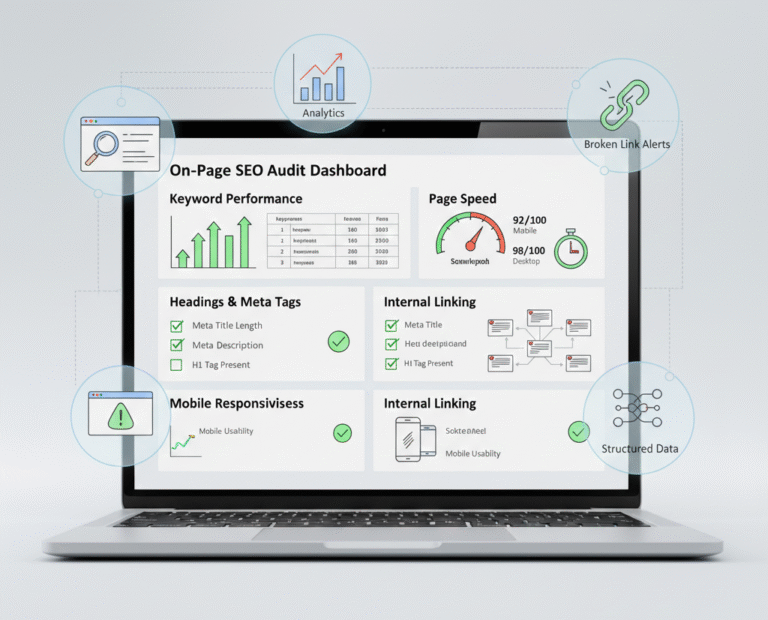
Search Engine Optimization (SEO) is essential for any website that wants to rank high in search engines and attract organic traffic. While off-page SEO like backlinks is important, on-page SEO is the foundation of your website’s visibility and performance.
An on-page SEO audit tool helps website owners, marketers, and SEO professionals analyze and improve their website content and technical structure to align with best practices. This article will explain what on-page SEO is, why auditing matters, the best tools available, and step-by-step strategies for improving your website’s on-page SEO.
What Is On-Page SEO?
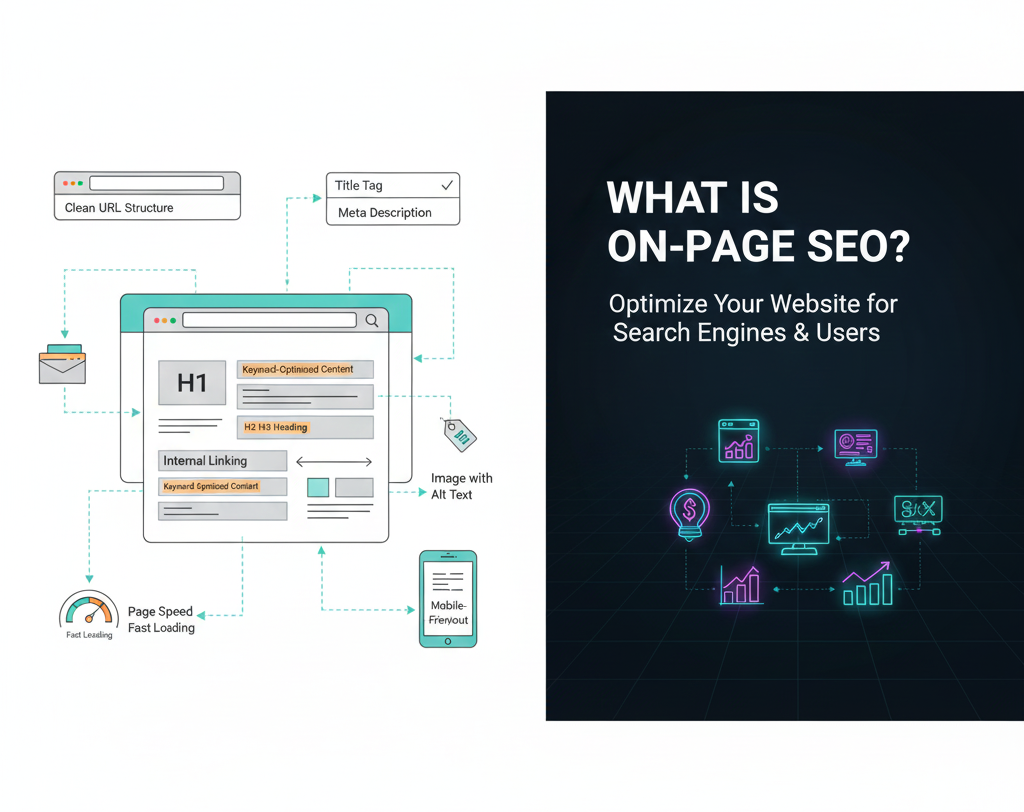
On-page SEO refers to the optimization of elements within your website to improve search engine rankings and enhance user experience. It includes content, HTML code, images, meta tags, headings, URL structure, and internal linking.
The main goal is to make it easy for search engines to crawl, understand, and index your website, while also providing valuable and engaging content to users.
Key components of on-page SEO include:
- Title Tags & Meta Descriptions – Optimized for keywords and click-through rates
- Headings (H1, H2, H3) – Structured to organize content and highlight key topics
- Content Quality – Original, engaging, and keyword-optimized content
- URL Structure – Short, descriptive URLs including target keywords
- Internal Linking – Helps search engines navigate your site and boosts SEO
- Image Optimization – Proper file names, alt tags, and compressed images for speed
- Mobile-Friendliness – Responsive design for all devices
- Page Speed – Fast-loading pages improve rankings and user experience
Why On-Page SEO Audits Are Important
Conducting regular on-page SEO audits ensures that your website remains optimized for both search engines and users. Key benefits include:
- Identify SEO Issues
Audits highlight problems like broken links, missing meta tags, duplicate content, or slow pages that may hurt rankings. - Improve User Experience
Optimizing headings, content readability, navigation, and mobile responsiveness keeps visitors engaged. - Increase Organic Traffic
By addressing on-page issues and optimizing keywords, your site can rank higher, attracting more relevant visitors. - Enhance Conversion Rates
Clear calls-to-action (CTAs) and structured content improve engagement and lead generation. - Monitor SEO Progress
Regular audits help track the effectiveness of your SEO strategy and show improvements over time.
Key Features of an On-Page SEO Audit Tool
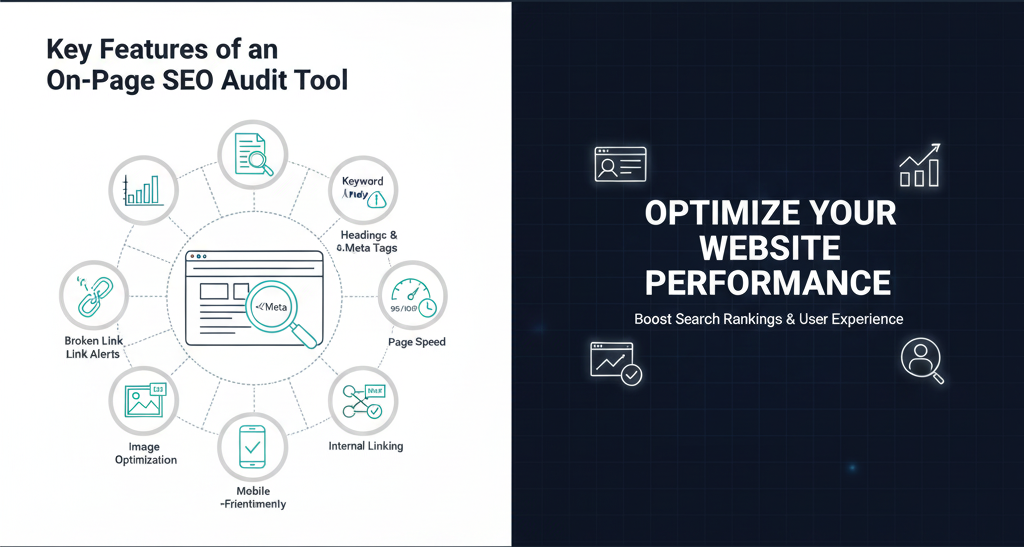
A good on-page SEO audit tool should provide insights into the following areas:
1. Keyword Analysis
- Check whether your primary and secondary keywords appear in titles, headings, and content
- Suggest keyword improvements based on search trends and relevance
2. Meta Tags and Content
- Audit title tags, meta descriptions, and headings for optimization
- Detect duplicate or missing meta tags
- Analyze content length and readability
3. Technical SEO
- Identify broken links, redirects, and crawl errors
- Check page speed and performance
- Evaluate mobile-friendliness and core web vitals
4. Internal Linking
- Suggest internal links to improve site structure and SEO flow
- Detect orphaned pages with no inbound links
5. Image Optimization
- Analyze alt text, file size, and file names
- Ensure images are optimized for both SEO and speed
6. Structured Data & Schema
- Check if structured data is implemented correctly
- Help search engines understand page content better for rich snippets
Popular On-Page SEO Audit Tools
Here are some of the best tools available for auditing on-page SEO:
1. SEMrush Site Audit
- Comprehensive tool for technical SEO, crawl errors, and content analysis
- Provides a detailed site health score and suggestions
2. Ahrefs Site Audit
- Detects broken links, slow pages, and HTML issues
- Provides actionable insights for keyword optimization
3. Moz Pro Site Crawl
- Identifies on-page and technical SEO issues
- Monitors page optimization and site authority
4. Screaming Frog SEO Spider
- Crawls your website to identify broken links, redirects, duplicate content, and missing tags
- Perfect for detailed technical audits
5. Yoast SEO (WordPress Plugin)
- Checks content for keyword usage, readability, and meta tag optimization
- Provides real-time suggestions for on-page improvements
6. Google Search Console
- Free tool to monitor indexing issues, search performance, and crawl errors
- Helps track organic traffic and identify problem pages
Step-by-Step Guide to Using an On-Page SEO Audit Tool
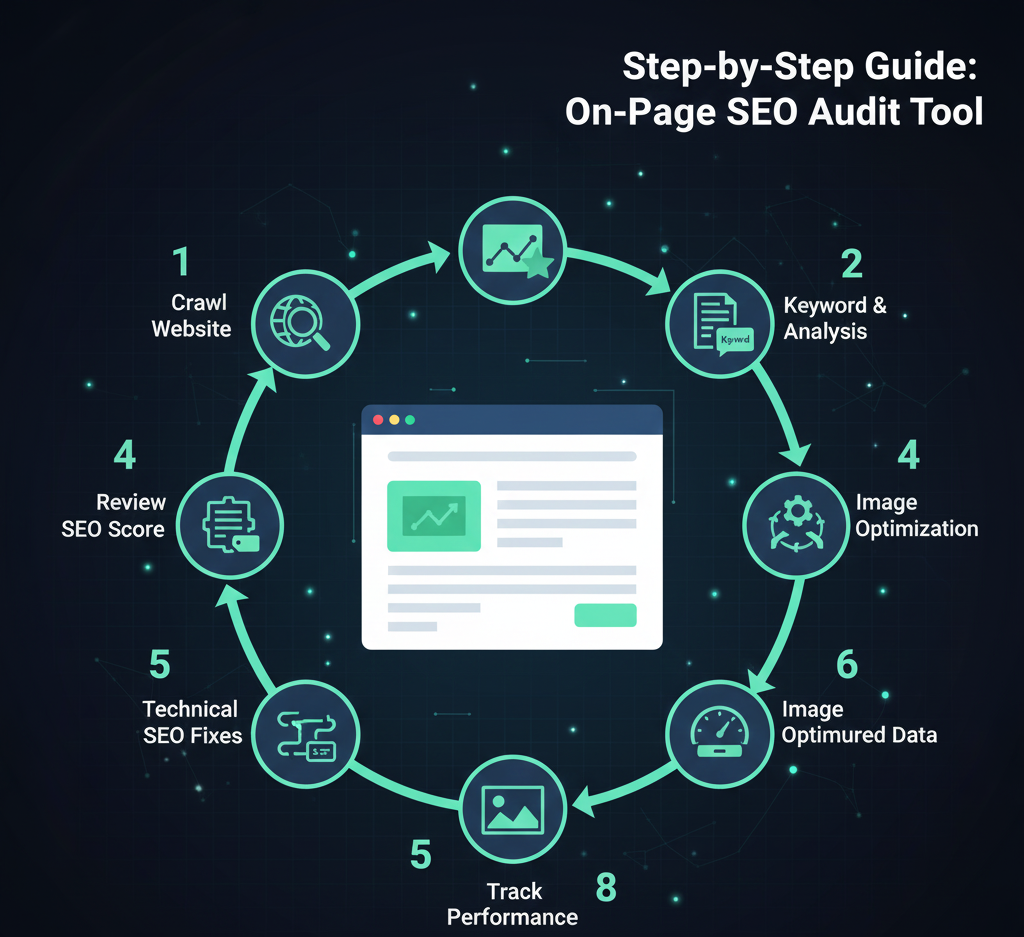
Step 1: Crawl Your Website
Use your chosen tool to scan your entire website and identify technical, content, and structural issues.
Step 2: Review SEO Score and Errors
Check the overall SEO health score and focus on pages with high-priority issues, such as missing meta tags or broken links.
Step 3: Analyze Keywords and Content
- Ensure each page targets the correct primary and secondary keywords
- Review headings, keyword placement, and content length
- Identify opportunities to improve relevance and readability
Step 4: Optimize Technical SEO
- Fix broken links and redirects
- Improve page speed by compressing images and enabling caching
- Ensure mobile responsiveness and Core Web Vitals compliance
Step 5: Improve Internal Linking
Add links between relevant pages to improve navigation, distribute page authority, and enhance crawlability.
Step 6: Optimize Images
- Use descriptive filenames and alt text
- Compress large images for faster load times
Step 7: Implement Structured Data
Add schema markup where relevant, such as product info, reviews, articles, or events, to improve search visibility with rich snippets.
Step 8: Track Improvements
Regularly monitor your website’s SEO performance and make adjustments based on audit results.
Best Practices for On-Page SEO
To maximize the results from your audit:
- Focus on User Intent – Create content that satisfies what users are searching for.
- Update Content Regularly – Keep pages fresh and relevant.
- Optimize for Mobile – Ensure every page is responsive and fast on mobile devices.
- Use Clean URLs – Short, descriptive URLs are easier for users and search engines.
- Leverage Internal Linking – Connect related pages for better navigation and SEO flow.
- Monitor Core Web Vitals – Page speed, interactivity, and visual stability are ranking factors.
Benefits of Using an On-Page SEO Audit Tool
- Saves Time – Quickly identifies issues without manual checks
- Improves Rankings – Helps optimize content and technical elements
- Enhances User Experience – Better navigation, readability, and site speed
- Supports Content Strategy – Reveals which pages need improvement or updates
- Boosts Conversion Rates – Optimized pages drive more engagement and leads
Common On-Page SEO Issues to Watch Out For
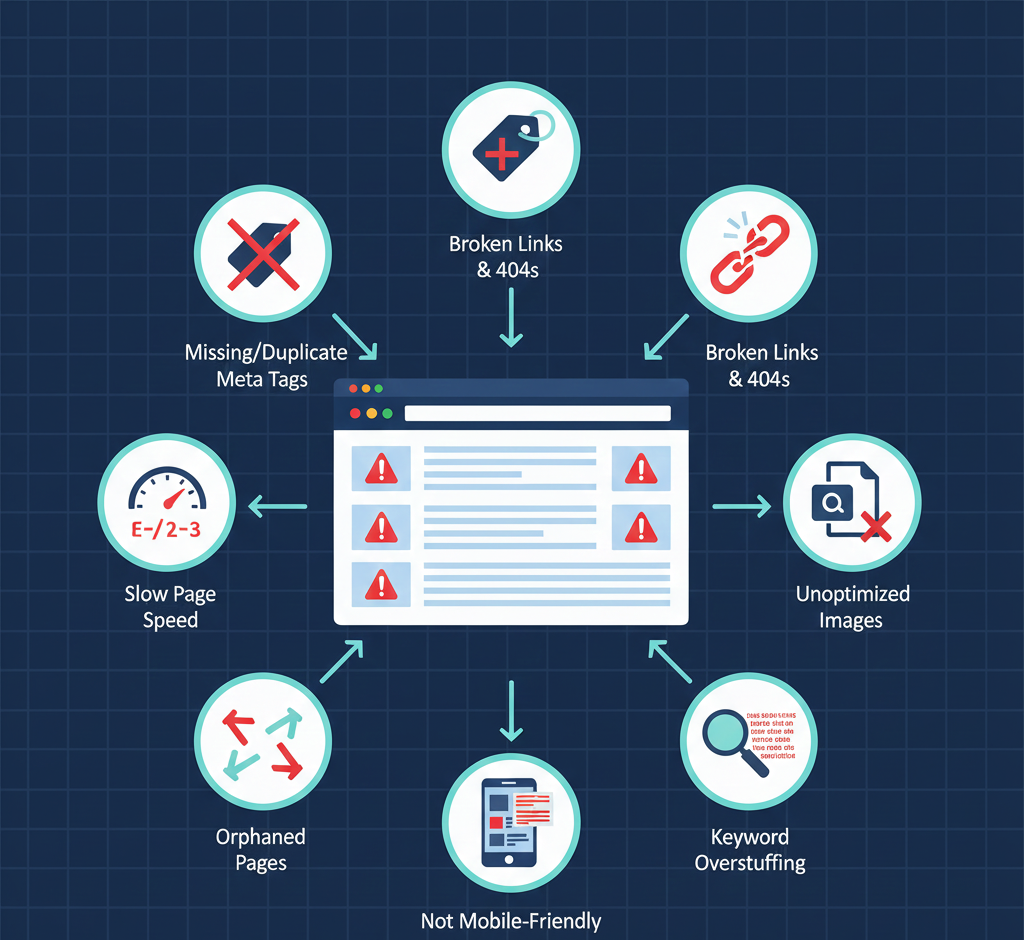
- Missing or duplicate title tags and meta descriptions
- Broken links or 404 errors
- Slow-loading pages and unoptimized images
- Non-mobile-friendly pages
- Weak internal linking and orphaned pages
- Overstuffed keywords or poorly structured content
Regular audits help identify and fix these issues before they hurt rankings.
Conclusion
An on-page SEO audit tool is essential for maintaining a healthy, optimized website. Whether you’re a blogger, small business, or e-commerce site, auditing your website ensures:
- Improved search engine rankings
- Enhanced user experience
- Increased organic traffic
- Higher conversion rates
Popular tools like SEMrush, Ahrefs, Screaming Frog, Moz, and Yoast SEO make audits easier by providing actionable insights and recommendations.
By conducting regular on-page SEO audits, following best practices, and optimizing both content and technical elements, your website will stay competitive in search engines and continue to attract valuable, high-intent traffic.