
The term SEO iFrame often creates confusion among website owners, bloggers, and SEO professionals. iFrames are widely used to embed external content such as videos, maps, ads, forms, and widgets—but many people worry about their impact on search engine optimization.
Do iFrames hurt SEO?
Can Google index iFrame content?
When should you use an iFrame, and when should you avoid it?
In this fully SEO-optimized, readability-checked, in-depth article, we will explain everything you need to know about SEO iFrame, including how iFrames work, their advantages and disadvantages, best practices, common mistakes, and how to use them correctly without harming your rankings.
What Is an iFrame?

An iFrame (Inline Frame) is an HTML element that allows you to embed another webpage or external content inside a webpage.
In simple words, an iFrame lets you display content from another source without hosting it directly on your website.
Common uses of iFrames include:
- YouTube videos
- Google Maps
- Payment gateways
- Advertisements
- Social media feeds
- External widgets
- Forms and booking systems
From a development point of view, iFrames are useful—but from an SEO iFrame perspective, they must be used carefully.
How iFrames Work in HTML
An iFrame loads content from a different URL inside your page. Search engines treat this embedded content differently from regular on-page content.
Key characteristics of iFrames:
- Content comes from an external source
- The content is not technically part of your HTML page
- Search engines crawl the source URL, not your page
- iFrame content usually does not pass SEO value to the hosting page
Understanding this behavior is essential when optimizing for SEO.
SEO iFrame: Does Google Index iFrame Content?
Yes, Google can crawl and index iFrame content, but with important limitations.
Here’s how it works:
- Google indexes the source page of the iFrame
- The embedded content is credited to the original URL
- Your page does not receive SEO benefit from the iFrame content
- Keywords inside the iFrame usually do not help your rankings
This means that relying on iFrames for important SEO content is not recommended.
Does Using iFrames Hurt SEO?
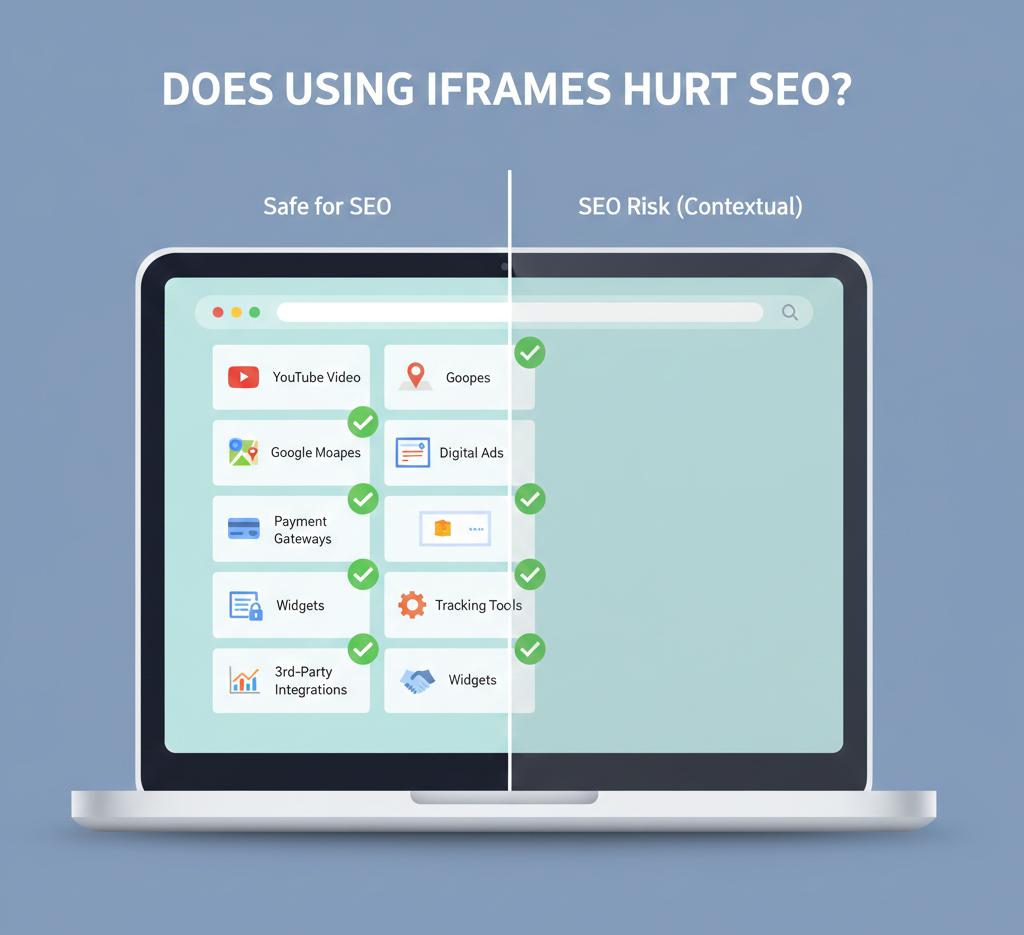
The answer is no and yes, depending on how you use them.
When iFrames Do NOT Hurt SEO
iFrames are safe when used for:
- YouTube video embeds
- Google Maps
- Payment gateways
- Ads
- Widgets
- Tracking tools
- Third-party integrations
These elements are not meant to rank for keywords, so SEO impact is minimal.
When iFrames CAN Hurt SEO
iFrames can negatively affect SEO if:
- Main content is loaded via iFrame
- Important keywords are inside iFrames
- Text content is embedded instead of written directly
- Internal linking relies on iFrame content
- iFrames slow down page loading speed
In such cases, your rankings may suffer.
SEO iFrame vs Normal HTML Content
| Feature | Normal HTML Content | iFrame Content |
|---|---|---|
| Indexed by Google | Yes | Source page only |
| SEO value | High | Low or none |
| Keyword ranking | Effective | Ineffective |
| Internal linking | Works | Does not pass value |
| Page speed impact | Optimizable | Can slow page |
For SEO-focused pages, always prefer native HTML content over iFrames.
Common SEO iFrame Use Cases (Safe)
Some iFrame uses are widely accepted and SEO-safe.
YouTube Video Embeds
Embedding videos via iFrame does not harm SEO. In fact, videos can improve:
- Time on page
- User engagement
- Bounce rate
Always add surrounding text content for SEO.
Google Maps Embeds
Google Maps iFrames are common for:
- Local SEO pages
- Contact pages
- Business locations
They do not hurt rankings but do not directly boost them either.
Payment and Booking Systems
Checkout systems often require iFrames for security reasons. SEO impact is not relevant here.
SEO iFrame Use Cases to Avoid
Avoid using iFrames for:
- Blog content
- Landing page text
- Product descriptions
- Category content
- FAQ sections
- Service pages
Search engines cannot assign ranking value properly if content lives inside an iFrame.
Page Speed and iFrames (SEO Impact)
Page speed is a ranking factor, and iFrames can slow down your website.
Problems include:
- Extra HTTP requests
- External server delays
- Render-blocking scripts
- Poor Core Web Vitals scores
Best Practices for Page Speed
- Lazy-load iFrames
- Use async loading
- Avoid unnecessary embeds
- Test speed using PageSpeed Insights
Fast pages rank better.
SEO iFrame Best Practices (IMPORTANT)
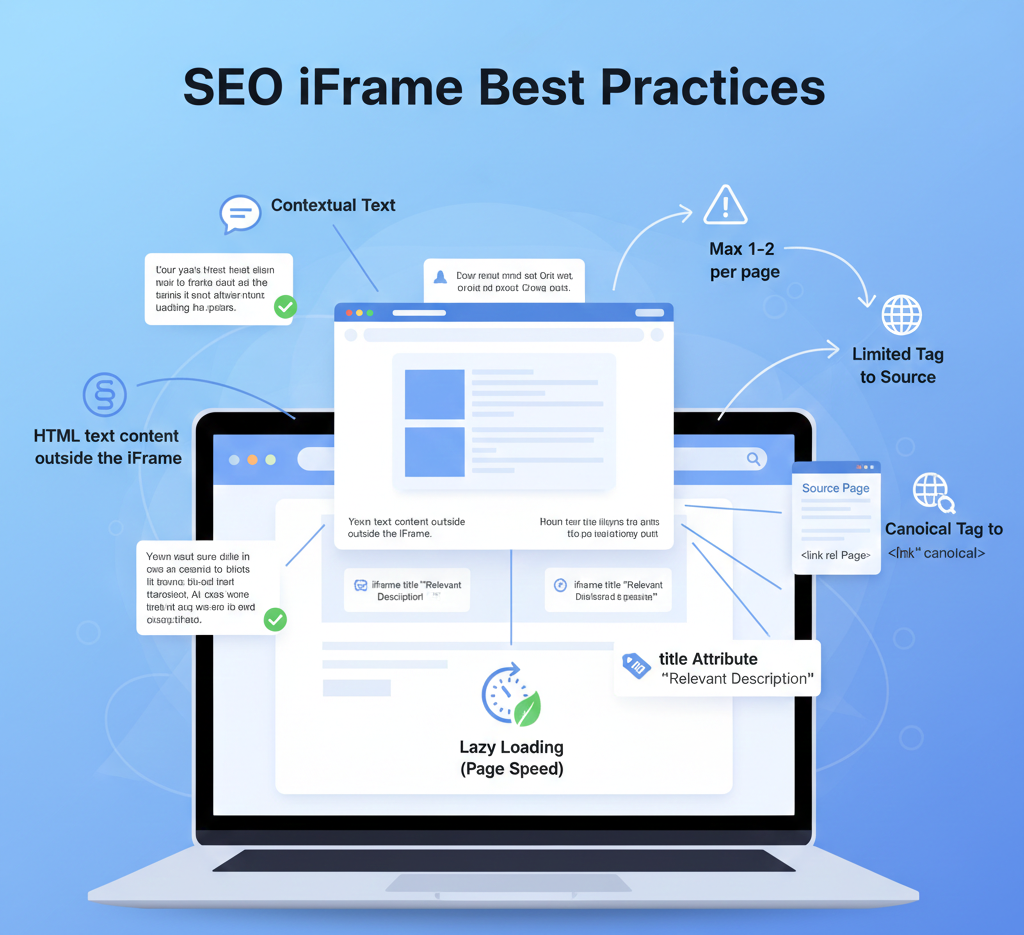
To use iFrames safely with SEO, follow these rules:
1. Do Not Put SEO Content in iFrames
Write important content directly in HTML.
2. Add Text Content Around iFrames
Search engines rank context, so surround iFrames with relevant text.
3. Use Descriptive Titles
Add a title attribute to iFrames for accessibility and clarity.
4. Lazy Load iFrames
This improves page speed and Core Web Vitals.
5. Avoid Multiple iFrames on One Page
Too many iFrames slow down performance and reduce usability.
6. Use Canonical Tags on Source Pages
Ensure the iFrame source page has proper canonical settings.
SEO iFrame and Mobile Optimization
Google uses mobile-first indexing, so iFrames must be mobile-friendly.
Common mobile issues:
- iFrames not resizing properly
- Horizontal scrolling
- Slow loading on mobile networks
- Touch interaction problems
Always test iFrames on mobile devices.
Accessibility and SEO iFrames
Accessibility indirectly affects SEO through user experience.
Improve accessibility by:
- Adding
titleattributes - Avoiding auto-play content
- Ensuring keyboard navigation
- Providing alternative content
Better UX often results in better rankings.
SEO Alternatives to iFrames
If SEO is your priority, consider these alternatives:
Server-Side Includes
Load content directly on your server instead of embedding.
API Integration
Fetch and display data dynamically while keeping content crawlable.
JavaScript Rendering (Carefully)
Google can render JS, but HTML is still best for SEO.
Static Content with Dynamic Enhancements
Use static HTML for SEO and enhance with JS or widgets.
SEO iFrame Myths (Debunked)
Myth 1: iFrames Are Always Bad for SEO
False – They are fine for embeds.
Myth 2: Google Cannot Read iFrames
False – Google reads the source page.
Myth 3: iFrames Automatically Lower Rankings
False – Only misuse causes issues.
When Should You Use an iFrame?
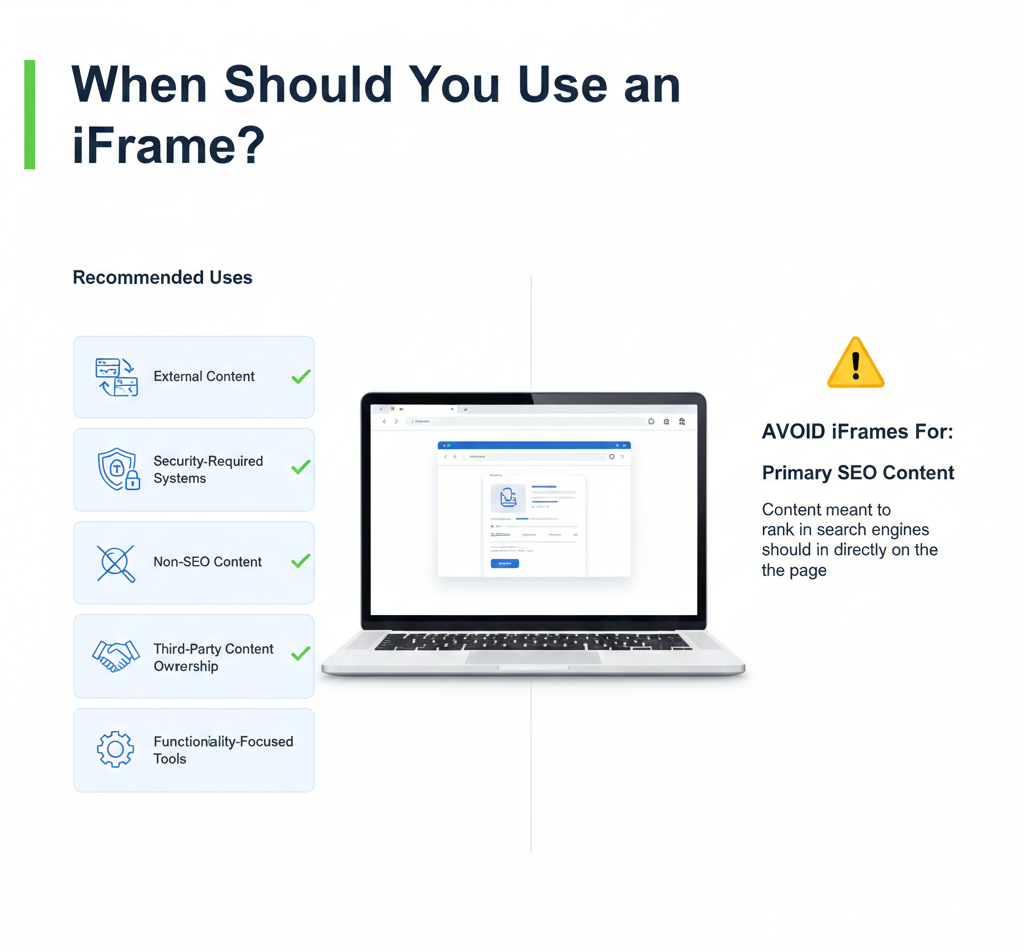
Use iFrames when:
- Content is external
- Security is required
- SEO value is not needed
- Content ownership is external
- Functionality matters more than ranking
Avoid iFrames when content should rank in search engines.
SEO iFrame Checklist (Quick Reference)
Use iFrames for videos, maps, tools
Keep SEO text outside iFrames
Optimize page speed
Ensure mobile responsiveness
Add surrounding keyword-rich content
Do not embed main content
Do not rely on iFrames for rankings
SEO iFrame and Future Search Trends
Search engines are improving content understanding, but HTML content remains king.
Future trends include:
- Better JS rendering
- Improved Core Web Vitals importance
- UX-based ranking signals
- Accessibility-driven SEO
Even in the future, relying on iFrames for SEO content will remain risky.
Final Thoughts
SEO iFrame usage is not inherently bad—but incorrect implementation can harm your website’s search performance. iFrames should be treated as supporting elements, not content replacements.
If your goal is higher rankings, better visibility, and long-term SEO success, always prioritize:
- Crawlable HTML content
- Fast page speed
- Strong internal linking
- Clear keyword targeting
Use iFrames wisely, and they can enhance functionality without damaging SEO.