Introduction
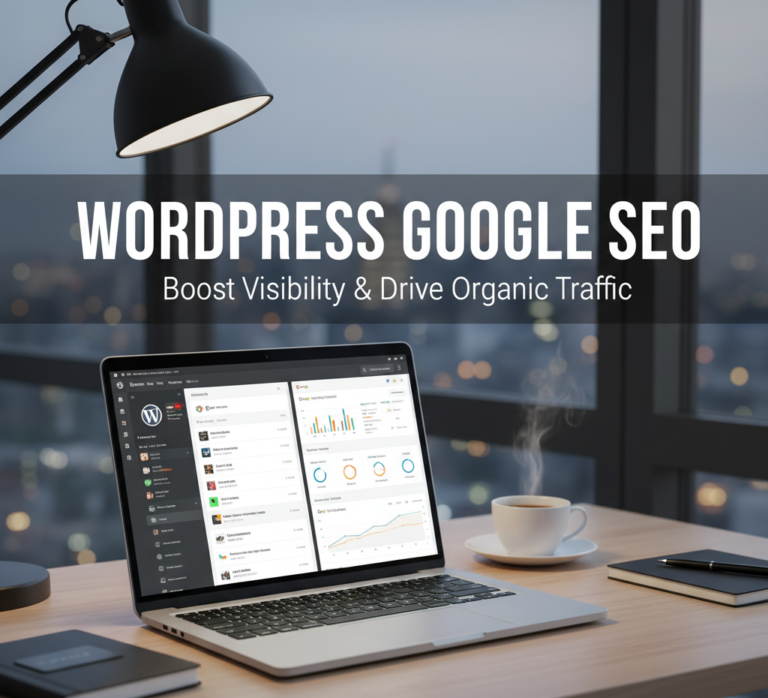
In today’s digital world, ranking high on Google is crucial for any website. If you use WordPress as your website platform, optimizing your site for search engines becomes both easier and more effective. WordPress Google SEO combines the flexibility of WordPress with proven SEO strategies to increase traffic, improve rankings, and enhance visibility.
What Is WordPress Google SEO?
WordPress Google SEO refers to the process of optimizing a WordPress website to improve its visibility on Google search results. It involves a combination of technical SEO, content optimization, keyword targeting, and performance enhancements that help search engines understand and rank your website effectively.
Key components include:
- Optimizing website structure and URLs.
- Creating high-quality, keyword-rich content.
- Enhancing user experience through speed and mobile optimization.
- Monitoring performance using analytics and SEO tools.
By following WordPress Google SEO practices, you can ensure your site is search-engine friendly and attracts organic traffic.
Why WordPress Is Ideal for Google SEO
WordPress offers features that make Google SEO easier compared to other platforms:
1. SEO-Friendly Structure
- Clean code and HTML structure.
- Easy-to-manage permalinks.
- Built-in categories and tags for content organization.
2. Plugin Support
WordPress has numerous SEO plugins like Yoast SEO, All in One SEO, and Rank Math that guide you through optimization and make technical SEO manageable even for beginners.
3. Mobile Responsiveness
Most WordPress themes are mobile-friendly, which is critical since Google prioritizes mobile-first indexing.
4. Speed and Performance
Plugins and caching options help improve page load speed, which is a ranking factor in Google’s algorithm.
Key Strategies for WordPress Google SEO
Optimizing your WordPress website for Google involves multiple strategies.
1. Optimize Your Content
- Use target keywords naturally in titles, headings, and body text.
- Include meta descriptions and alt text for images.
- Break content into short paragraphs, bullet points, and subheadings.
- Regularly update old posts to maintain relevance.
2. Install SEO Plugins
- Yoast SEO: Helps with on-page SEO, readability analysis, and XML sitemaps.
- All in One SEO: Optimizes metadata, social sharing, and schema.
- Rank Math: Offers detailed keyword suggestions and analytics.
These plugins make it easier to implement WordPress Google SEO best practices without manual coding.
3. Improve Website Speed
- Use caching plugins like W3 Total Cache or WP Rocket.
- Optimize images with compression plugins like Smush or ShortPixel.
- Choose a reliable hosting provider for fast server response.
4. Use a Mobile-Friendly Theme
- Select responsive themes that adapt to different devices.
- Test mobile usability with Google’s Mobile-Friendly Test tool.
5. Structure Your URLs and Links
- Keep URLs short and descriptive with target keywords.
- Use internal linking to connect related pages.
- Ensure external links point to authoritative, relevant websites.
6. Submit Sitemap to Google
- Generate an XML sitemap using your SEO plugin.
- Submit the sitemap to Google Search Console for faster indexing.
7. Monitor and Analyze Performance
- Track rankings, impressions, and click-through rates using Google Search Console.
- Use Google Analytics to understand user behavior and traffic sources.
- Adjust SEO strategies based on performance data.
Tips to Maximize WordPress Google SEO
- Focus on long-tail keywords to target specific searches.
- Use structured data (schema markup) to improve search result appearance.
- Maintain consistent publishing schedules to keep Google indexing your site regularly.
- Encourage social sharing to increase backlinks and authority.
- Avoid keyword stuffing and duplicate content.
Benefits of WordPress Google SEO
- Increased Organic Traffic: Higher rankings bring more visitors without paid ads.
- Better User Experience: Optimized content and fast loading improve engagement.
- Higher Credibility: Appearing on Google’s first page builds trust.
- Long-Term Results: SEO investments provide sustainable traffic over time.
- Easy Management: WordPress plugins simplify technical SEO tasks.
Common Mistakes to Avoid
- Ignoring SEO plugin recommendations.
- Using non-responsive themes.
- Failing to optimize images for faster load times.
- Neglecting mobile optimization.
- Overlooking regular content updates and performance monitoring.
Frequently Asked Questions (FAQ)
What is WordPress Google SEO?
It is the process of optimizing a WordPress website for Google search to improve rankings, attract organic traffic, and enhance visibility.
Do I need a plugin for WordPress SEO?
While not mandatory, SEO plugins make optimization easier, offering features like XML sitemaps, meta tags, and keyword suggestions.
How long does it take to see results?
SEO results can take a few weeks to several months, depending on competition, content quality, and optimization effectiveness.
Can WordPress SEO help my website rank on the first page?
Yes, by following proper WordPress Google SEO strategies, you can improve rankings, though it requires consistent effort and quality content.
Is WordPress SEO suitable for beginners?
Absolutely. With plugins and guides, even beginners can implement effective SEO strategies.
Conclusion
Optimizing your WordPress website for Google search is essential for attracting traffic, building authority, and growing your online presence. By implementing WordPress Google SEO strategies such as content optimization, SEO plugins, mobile responsiveness, website speed improvements, and proper analytics tracking, you can ensure your site performs well in search results.
Consistency and attention to detail in SEO will provide long-term benefits, increased organic traffic, and improved user experience. Start implementing these practices today to maximize the potential of WordPress Google SEO and see measurable results.